




chevron_left
chevron_right
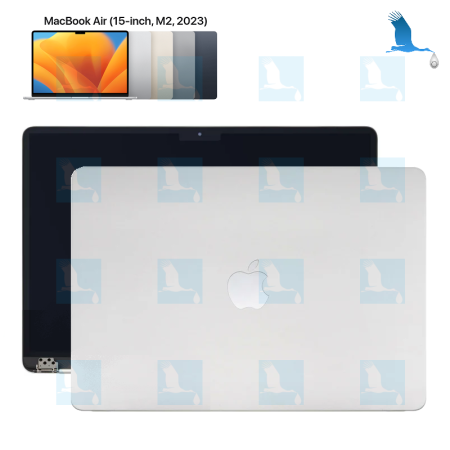
LCD - MacBookAir 15", M2, 2023, Silver, A2941, Mac A14,15 - qor

Security policy
(edit with the Customer Reassurance module)
(edit with the Customer Reassurance module)

Delivery policy
(edit with the Customer Reassurance module)
(edit with the Customer Reassurance module)

Return policy
(edit with the Customer Reassurance module)
(edit with the Customer Reassurance module)

- - Free delivery
- Free delivery from CHF 20.00 value of goods
- Macbook LCD
- Apple has blocked various features in its operating system to prevent us from repairing MacBooks. Apple prefers to sell a new device rather than repair a working one.
As long as APPLE does not allow all repairs to be carried out by us and by all independent and licensed repairers, we advise boycotting APPLE.
Vu le comportement de ce constructeur, APPLE n'est pas reconnu comme entreprise écologique.
WARNING. When replacing a MacBook screen, before removing the faulty screen, you MUST delete the location. Otherwise, the new screen will not work. - Macbook LAS
- 1 - When replacing a screen, you must reset the LAS (Lid Angle Sensor). This is mandatory and required by Apple.
2 - Normally when you close the Macbook screen, from a certain angle, the screen turns off and the machine goes into sleep mode.
3 - If the LAS is not replaced and the reset is not done, the screen no longer turns off, the machine no longer goes into standby mode.
4 - The LAS must be replaced and reset. We have the LAS and the device needed to perform this operation.
feedback Report comment